Wake Smarter: Automations That Start Your Day Right

Today we explore No-Code Triggers to Streamline Your Morning Routine, turning scattered tasks into a calm, repeatable sequence without writing a single line of code. We will connect alarms, calendars, lights, and voice assistants so coffee brews itself, focus rises gently, and surprises shrink. Expect practical recipes for iOS Shortcuts, Android Routines, Alexa, Google Assistant, IFTTT, Make, and Home Assistant, along with small habits that stick. Share your questions, tell us what worked, and subscribe for fresh ideas that make mornings kinder and reliably productive.

From Alarm to Action

Stop waking into chaos. Bind your alarm to context so dim lights warm up, airplane mode lifts, and a concise briefing plays without hunting through apps. With Shortcuts, Assistant Routines, or Tasker, you can chain time or sleep-stage alarms to compassionate actions, while a single fallback button restores manual control on groggier days. The result feels like a quietly attentive helper who remembers what matters and waits patiently, even when you tap snooze more than you planned.

01

Link Your Wake-Up to Instant Context

Tie your alarm’s dismiss event to an audio snapshot that speaks today’s weather, first calendar block, commute time, and one encouraging sentence. No code required: pick a trigger, pick outputs, set volumes and brightness to humane levels. Include a safeword phrase that cancels everything if you need silence. This balances clarity with choice, letting you greet the day with information you can actually use instead of a wall of notifications.

02

Calendar-Aware Mornings Without Juggling Apps

Let a time window trigger different flows on meeting days versus focus days. If your first event says “Deep Work,” mute chats, open notes, and surface your plan. If it says “Standup,” queue a brief agenda and start a five-minute prep timer. Use simple filters like event title, location, or attendee count. Your routine adapts to reality automatically, so you stop renegotiating the morning every single time.

03

Voice-First Kickoff That Feels Natural

Prefer talking to tapping? Use one friendly phrase that both stops your alarm and launches a gentle sequence: lights warm, kettle preheats, blinds rise, and today’s three priorities are spoken. Train the assistant to recognize your cadence, choose a comforting voice, and keep phrasing short. Add a quiet mode for weekends. The goal is a dialogue that guides you forward without pressure, like a well-timed nod from someone who knows you.

Kitchen Wizards: Coffee, Breakfast, and Hydration
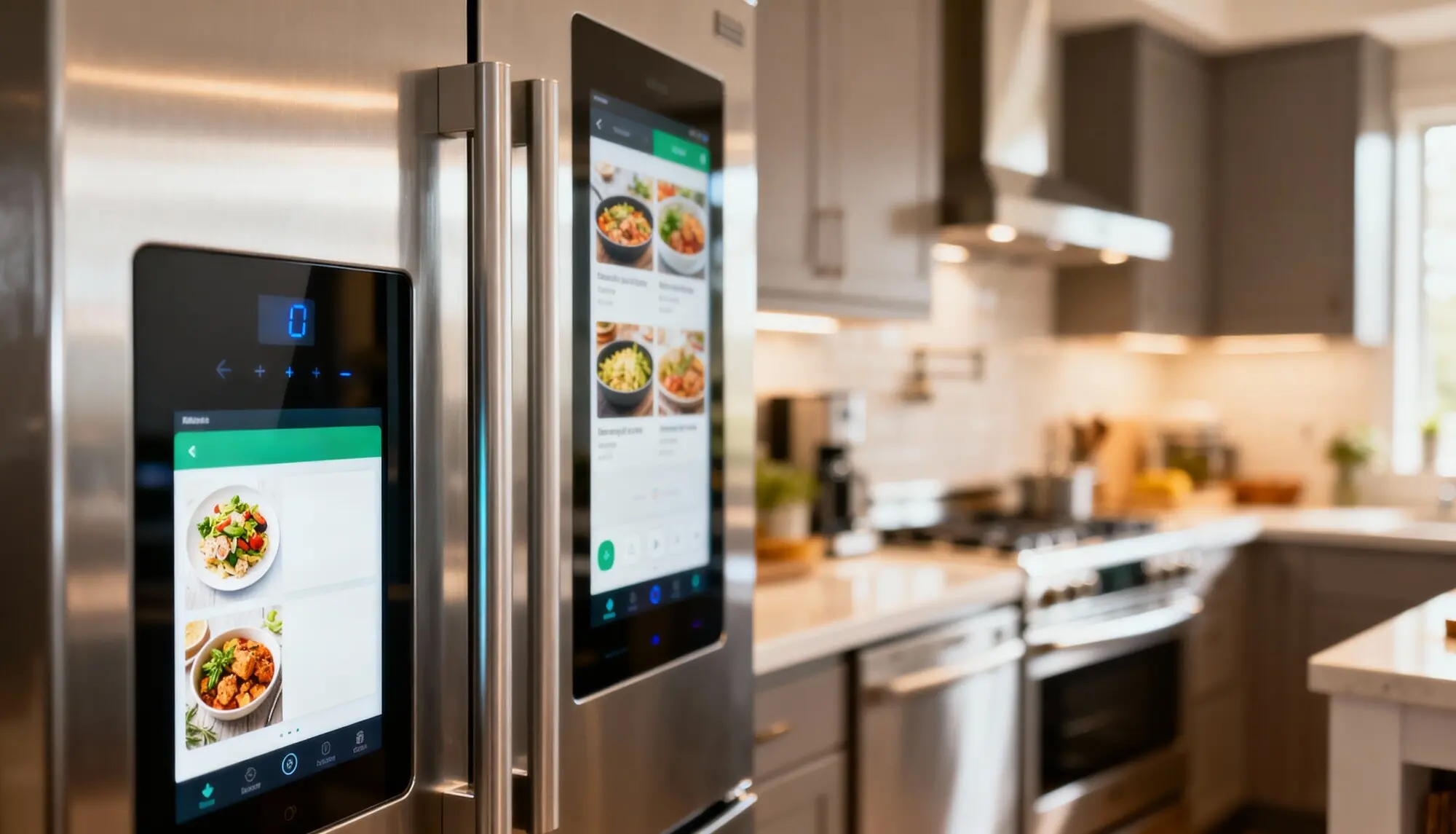
Let scent and sound simplify breakfast while protecting attention. Smart plugs schedule the kettle, a scale-timer nudges coffee bloom, and pantry checks run by barcode or voice. Hydration reminders arrive when your mug is empty, not randomly. No-code recipes connecting sensors, timers, and lists remove micro-decisions that drain willpower. A small story: a reader set a five-minute oatmeal window tied to their alarm; it saved ten minutes and made mornings feel mercifully unhurried.

Coffee Cues That Never Nag

Instead of blasting notifications, cue brewing with ambient signals. When your alarm ends, a warm light turns on near the grinder and a gentle chime plays. A smart plug powers the kettle only on weekdays with early meetings. If you say “skip,” everything cancels quietly. This choreography feels considerate, so you keep using it, and your first sip arrives without frantic button mashing.

Breakfast Prep With Gentle Pacing

Use a single routine to stage breakfast like a calm assembly line. A timer lights the counter, a card on your phone shows ingredients, and music starts at low volume. If your calendar shows a late start, the system suggests a slower option. No spreadsheets or code—just a string of actions that remember your preferences, freeing attention for genuine appetite and easy conversation.

Water Reminders That Beat Snooze-Brain

Tie hydration to real context, not arbitrary minutes. A desk sensor or smart scale detects an empty glass, then your assistant speaks a light nudge only if you have no meeting. If you’re commuting, the reminder shifts to a watch tap. By following moments you already touch, lift, or place objects, these prompts feel relevant and respectful instead of interruptive.

Mind and Body Check-In

Build a morning that protects calm without another app rabbit hole. No-code triggers can launch a two-minute breath, a posture reset, and a grateful thought cue after your alarm or before email opens. Link routines to wearable data like sleep quality or resting heart rate so intensity adapts. A reader told us their two-minute floor stretch, auto-started by a sunrise light scene, dramatically reduced back stiffness and phone doomscrolling before 8 a.m.

Breathing and Mindfulness Made Effortless

When your alarm is dismissed, start a quiet breathing animation on your watch and lower ambient lights for two minutes. If a meeting is early, the routine switches to a 60‑second reset. A spoken line invites gratitude for one ordinary detail. By keeping everything automatic and brief, your mind gets a soft landing instead of a cliff dive into alerts.

Movement Triggers That Respect Energy

Use wearable data to adapt movement. If sleep was short, start with a gentle mobility flow video; if you’re fully rested, cue a brisk walk timer and energizing playlist. No code—just choose conditions and outputs. An exit sensor near the bedroom door can start a step counter, resisting the impulse to sit immediately. Progress comes from tiny, well-placed nudges.

Journaling Micro-Prompts That Stick

Replace blank-page dread with a rotating, voice-friendly question that appears after your first sip of coffee is detected by a smart plug cycle. Dictate one answer hands-free, then have it autosave to your notes. Prompts can shift with weekdays, weather, or current projects. In under a minute, you capture a thought you will actually read later.

Dress Suggestions From Real Conditions

Generate a simple outfit hint that accounts for wind, humidity, and inside-outside transitions. If the swing is big, it suggests packable layers; if air quality drops, it reminds you to grab a mask. Present the tip as a single card beside your mirror on a tablet or e‑ink display. The clarity saves minutes and second guesses.

Traffic-Aware Departures You Can Trust

Check live traffic against your first on-site obligation and announce an adjusted leave time through your speaker. If delays grow beyond a threshold, send a prewritten courtesy text to your team. Weekend logic automatically sleeps. You decide windows and tone; the system quietly runs comparisons while you eat, so you stop refreshing maps with cereal in one hand.

Doorway Rituals to Prevent Last-Minute Chaos

Use a contact sensor on the front door to trigger a thirty-second checklist light. If your phone’s battery is low, a blue pulse reminds you to grab a charger. Rain forecast? The hue shifts to soft teal for umbrella. These ambient cues replace scolding and make preparedness feel almost playful, even when you are rushing.

Weather, Wardrobe, and Leaving on Time

Let conditions and commitments collaborate so you step out prepared. A morning routine checks precipitation, temperature swings, and air quality, then suggests layers and shoes via a brief card. If traffic worsens, your departure moves earlier with a friendly chime. A hallway light changes color when an umbrella or badge is recommended. Subtle, timely cues replace frantic last-minute searches and unnecessary backtracking.

Home, Roommates, and Family Harmony

Shared mornings run better with quiet signals and predictable rhythms. Create routines that respect sleepers, guide kids, and prevent chore collisions. Lights ramp in bedrooms at different tempos, a hallway display shows whose turn it is to feed pets, and a shared speaker plays a gentle five-minute tidy-up song before leaving. No shouting across rooms—just calm coordination that steadily builds trust.

Workday Launchpad

Begin work with intent instead of drift. A morning routine can preview your top priorities, triage messages, and open the exact tools you need. Link your calendar to an auto-generated focus block, pull a digest of overnight emails, and surface one motivating metric. Keep it short, speak it aloud, and let a single checklist replace tab chaos.

Inbox Triage Without the Doom Scroll

Use a digest trigger that summarizes only unread messages from VIPs and urgent labels, spoken or shown on one card. Archive the rest in bulk later. The goal is context, not rabbit holes. By constraining volume and timing, you keep control of attention while still honoring responsibilities that actually require you this morning.

Focus Playlists That Follow Your Schedule

Tie music or soundscapes to calendar categories. Deep work starts? Instrumental playlist at modest volume. Admin hour? Light lo-fi. Unexpected meeting? Fade out gracefully. No code—you choose mappings in your assistant or automation app. Over time, these sonic cues teach your brain where it is, making transitions smoother and reducing the friction of starting.

Priority Recap You Can Hear and Trust

Generate a spoken summary of today’s three most important outcomes pulled from your task manager or star-marked notes. If you completed one early, the routine celebrates briefly before suggesting the next. Keep the script empathetic and short. Hearing your own plan reinforces agency and helps you avoid reactive work that crowds out what truly moves things.

Local-First Where It Matters

Keep core actions—lights, plugs, short announcements—running offline through Home Assistant or native hubs. Cloud routines can enrich context later. Store only what you need, redact calendar guests if sharing displays, and disable cameras in private spaces. The less your morning relies on distant servers, the more peaceful it feels during spotty internet or inevitable outages.

Design for When Automations Fail

Add a single physical button or voice phrase that restores a minimal path: lights on, kettle on, briefing skipped. Build timeouts for stuck devices and clear error messages you can understand at 6 a.m. Treat failures as feedback, not scolding. The goal is momentum with dignity, even when technology trips for a step or two.